
Instruction Manual EN-7522C 22” Wide Screen TFT-LCD Monitor, details the product's safe use, connecting external equipment, remote functions, controls and functions, mounting guide, D-SUB connector pin assignments, power management, specifications, troubleshooting guide, etc.
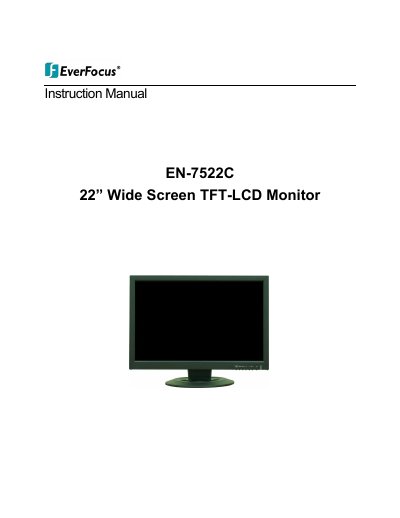
This instruction manual provides comprehensive guidance for the EverFocus EN-7522C 22-inch wide screen TFT-LCD monitor. It covers essential safety instructions, connecting the monitor to external equipment, and utilizing remote and front panel controls. The guide details the monitor's features, including PIP (Picture in Picture) and ARC (Aspect Ratio Control) functions, as well as power management options.
| Screen Size | 22 inch |
|---|---|
| Pixel Pitch | 0.282(H) x 0.282(V) mm |
| Brightness | 300cd/㎡ (Typical) |
| Contrast Ratio | 1000:1 (Typical) |
| Viewing Angle | 160°/160° (H/V) |
| Response Time | 5msec (Typical) |
| Resolution | 1680x1050 @ 60Hz |
| Power Input | DC 12V / 5.83A |
| Net Weight | 5.83kg (12.83 lbs) |
Press the VOL button to increase or decrease the audio volume level.
The monitor supports a resolution of 1680x1050 at 60Hz.
The power turns ON or OFF with a few seconds delay before the display appears. The LED turns blue when ON and red when OFF.