
This quick installation guide introduces the basic operations of EPR200, including hardware system requirements, operating instructions, disc types, product specifications, copying videos from DVR to EPR200, viewing copied files, disc care, troubleshooting and technical support.
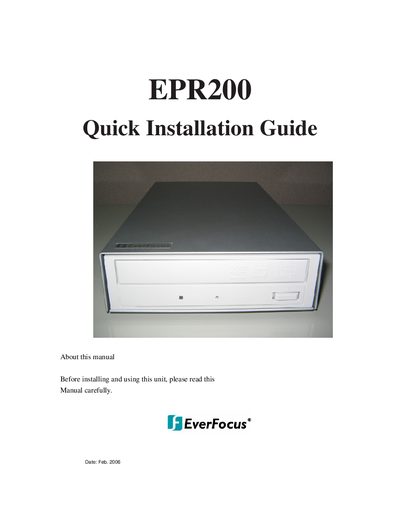
This document is a Quick Installation Guide for the EverFocus EPR200 DVD drive. It outlines the hardware system requirements for installation, including minimum and recommended processor speeds and memory. The guide details the physical features of the drive, such as the busy indicator LED and forced eject hole, and explains how to load discs correctly.
| Read Speed (DVD-ROM) | 16x max. |
|---|---|
| Write Speed (DVD+RW) | 8x max. |
| Access Time (CD) | 120 ms |
| Interface | IDE/ATAPI |
| Cache | 2 MB |
| Mechanism | Motorized tray load mechanism |
The minimum requirements are an Intel Pentium III 800 MHz processor and 256 MB of memory.
Yes, it is highly recommended for DVD+RW UDF format recording.
Insert a stiff rod, such as a large paper clip, into the forced eject hole and push in.