
This manual provides detailed instructions on how to use the EN-7515C 15-inch premium TFT-LCD CCTV monitor.
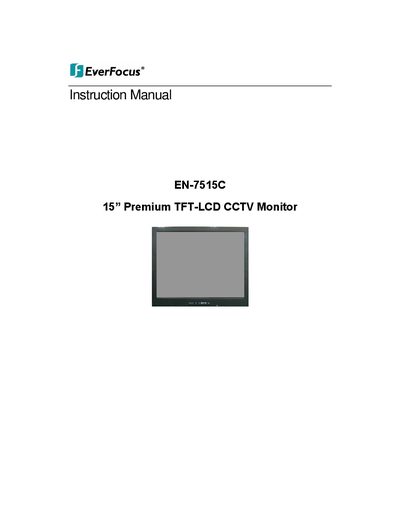
This document is the instruction manual for the EverFocus EN-7515C, a 15-inch Premium TFT-LCD CCTV monitor. It covers essential safety instructions, including warnings about ventilation, heat sources, and power cord usage, as well as FCC compliance statements.
The guide details how to connect the monitor to external equipment, including PC signals and various video inputs (AV1, AV2, S-Video). It also explains the functions of the side panel controls and the remote controller, covering power management, source selection, and picture adjustments. A troubleshooting section is included to assist users in resolving common issues.
| Screen Size | 15 inch |
|---|---|
| Product Type | TFT-LCD Monitor |
Press the APC (Auto Picture Control) button on the remote controller to select the picture mode.
The monitor accepts a DC input of 12V.
You must maintain a minimum distance of 10cm around the apparatus.
There is a few seconds delay before the display appears.