
This manual mainly introduces the usage methods of EDR810H/810M/410H/410M, including installation, configuration and use.
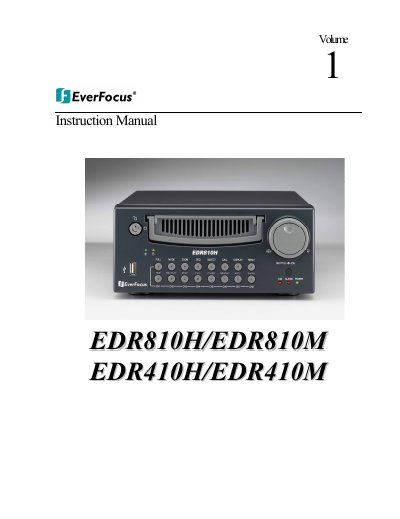
The document serves as a comprehensive instruction guide for the EverFocus EDR series of digital video recorders (DVRs), specifically models 810H, 810M, 410H, and 410M. It covers product features, front and back panel connections, and detailed safety precautions regarding installation and operation.
| Operating Temperature | 32°F ~ +104°F |
|---|---|
| Humidity Range | below 90% |
| Input Power Source | AC100~240V |
The device supports 6 different speeds: 1200, 2400, 4800, 9600, 19200, and 38400 baud.
The default setting from the factory for the RS-485 port is 9600 baud.
First check connections, then verify wires work properly, and finally ensure the recorder and cameras receive correct power.