
This is a quick start guide for a network camera. It introduces how to install, connect and use the camera.
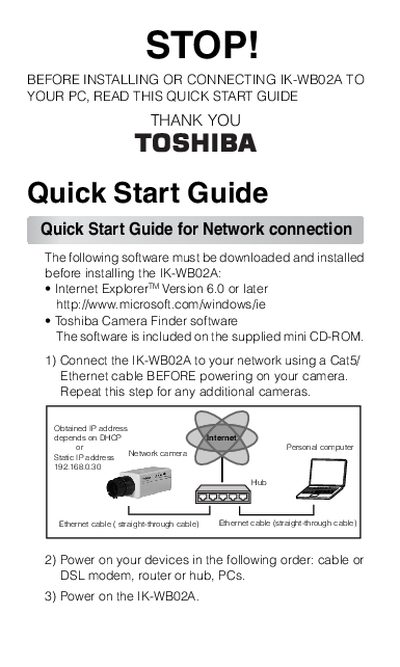
This document is a Quick Start Guide for the Toshiba IK-WB02A network camera. It outlines the necessary software requirements, including Internet Explorer Version 6.0 or later and the Toshiba Camera Finder software found on the supplied mini CD-ROM.
The guide details two primary connection methods: connecting to a network using a Cat5 Ethernet cable before powering on the device, or establishing a direct PC connection using a Cat5 Crossover cable. It also covers initial setup steps such as changing the default login ID and password (defaulting to 'root'/'ikwb') and configuring user access rights.
The default Current login ID is 'root'.
The camera takes approximately 30 seconds to start.