
This document is a Quick Start Guide for the network connection of IK-WB01A/11A. It provides instructions on downloading and installing the necessary software, as well as steps for connecting and configuring the network cameras.
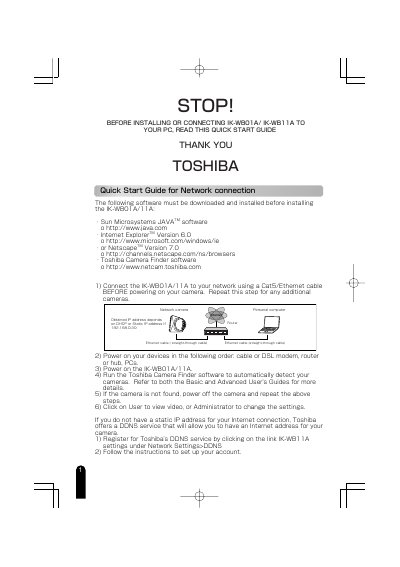
This document serves as a Quick Start Guide for the Toshiba IK-WB11A network camera. It outlines the necessary software prerequisites, including Java, Internet Explorer, and Toshiba Camera Finder, before installation. The guide provides step-by-step instructions for connecting the camera to a network via Ethernet or directly to a PC using a crossover cable, including specific IP address configurations for direct connections.
You must download and install Sun Microsystems JAVA software, Internet Explorer Version 6.0 or Netscape Version 7.0, and Toshiba Camera Finder software.
For a direct PC connection, change the PC's IP address to 192.168.0.50 with a subnet mask of 255.255.255.0.
The default login ID is 'root' and the default password is 'ikwb'.