
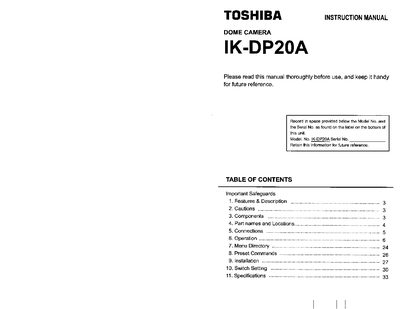
The Toshiba IK-DP20A is a dome camera featuring quick install design with 480 lines horizontal resolution. It supports 18x optical/12x digital zoom, privacy zone masking, and auto-flip functions for surveillance applications.
This document covers essential topics including important safeguards, component identification, connection diagrams for RS-422 communication, operation procedures via keyboard controllers, menu directory access, preset commands, installation guidelines, switch settings, and technical specifications.
| Horizontal Resolution | 480 Lines |
|---|---|
| Pan Speed (Manual) | 300 Degree/Second |
| Optical Zoom | 18X |
| Minimum Illumination | 0.01 Lux |
| Signal-To-Noise Ratio | 50dB |
| Preset Positions | 64 Position Preset |
| Pan Range | 360 degrees continuous |
| Tilt Range (Outdoor) | 92 degrees |
The camera requires a 24V AC UL listed class 2 power supply.
Input 95 using the numeric keypad and hold down the PRESET button until the MENU screen is displayed.
The camera supports Toshiba-P and D protocols, selectable via DIP switch.