
This document is a quick start guide that provides instructions for purchasing an Olympus digital camera, including the features and characteristics of the camera and detailed information on the CD-ROM.
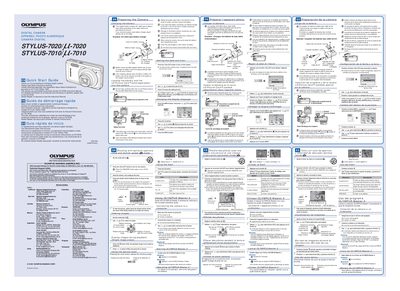
This document serves as a Quick Start Guide for the Olympus STYLUS-7020/L-7020 digital camera. It provides essential instructions for initial setup, including charging the included lithium-ion battery and correctly inserting it into the camera body.
The guide also details how to load an xD-Picture Card or microSD Attachment, set the date and time on the camera display, and change the screen language settings via the menu system.
It takes up to 2 hours to charge the battery until the charging indicator light turns off.
The battery may not be inserted correctly, or the battery or charger may be broken.