
This document is a basic manual for the OLYMPUS Stylus-7000/μ-7000 digital camera. The manual provides instructions for preparing the camera, including checking the contents of the box, attaching the camera strap, charging the battery, and loading the battery and the xD-Picture Card™ (sold separately) into the camera. The manual also covers using the microSD card/ microSDHC card (sold separately), setting the date and time, changing the display language, and more. Additionally, the manual provides instructions for shooting, playback, and erasing images, as well as using various shooting modes and functions. The manual concludes with information on using OLYMPUS Master 2 software and attachments.
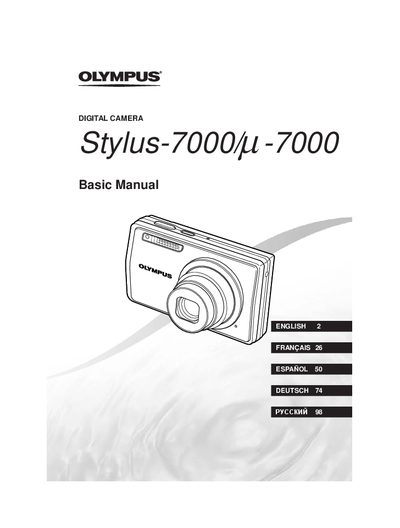
This document is the official instruction manual for the Olympus Stylus-7000 digital camera. It guides users through preparing the camera, including checking box contents, attaching the strap, charging the battery, and loading xD-Picture Cards or microSD cards via an attachment.
The guide details operating procedures such as shooting in various modes (P, ZS, SCN), adjusting exposure settings, using the flash, and capturing movies. It also covers image playback, erasing photos, printing images, and customizing menu settings like language and date/time.
| Battery Type | LI-42B Lithium-ion Battery |
|---|---|
| Charger Model | LI-41C Battery Charger |
The box contains a LI-42B battery, LI-41C charger, USB cable, AV cable, and an OLYMPUS Master 2 CD-ROM attachment.
The battery should be charged for approximately 2 hours until the charging indicator light turns off.
No, you must insert the microSD card into the microSD Attachment before inserting it into the camera.