
This document is the basic manual for DIGITAL CAMERA STYLUS TOUGH-6000 / μ TOUGH-6000, which introduces the preparatory work of the camera, including checking the contents of the box, attaching the camera strap, charging the battery, loading the battery and the xD-Picture Card™ (sold separately) into the camera, using a microSD card, setting the date and time, etc.
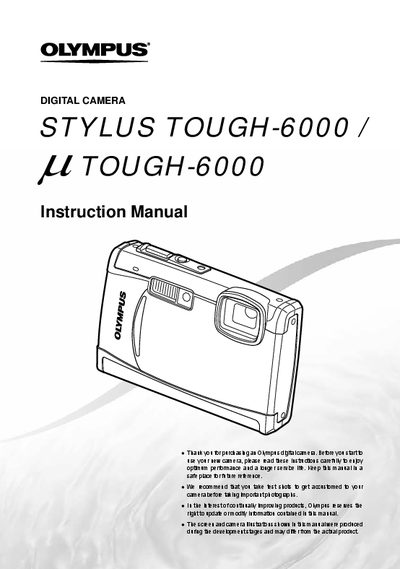
This document is the official user guide for the Olympus STYLUS TOUGH-6000 and LL TOUGH-6000 digital cameras. It provides comprehensive instructions on preparing the camera, using various setting operations including menus and direct buttons, and operating shooting functions such as scene modes, zoom, and flash. The manual also details playback features like slideshow, editing, printing via PictBridge, and DPOF reservations.
The package includes a digital camera, USB cable, AV cable, LI-S0B Lithium ion Battery, OLYMPUS Master 2 CD-ROM, LI-S0C Battery Charger, and microSD Attachment.
Press and hold the DISP./@/*4 button to display an explanation (menu guide) of the selected option.
Yes, you can operate the camera by tapping the body when [TAP CONTROL] is set to [ON].