
This is an instruction manual that introduces the use of the Olympus μ-5000 digital camera.
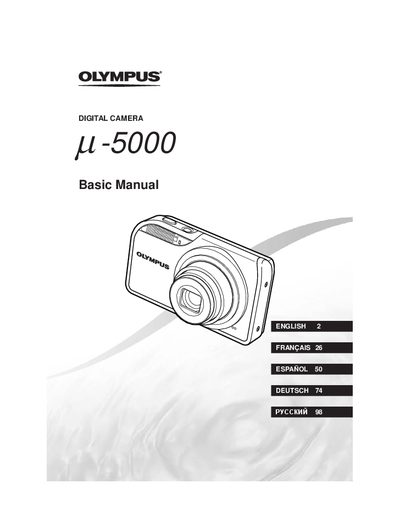
This document is the basic instruction manual for the Olympus u-5000 digital camera. It guides users through initial preparation steps such as checking box contents, charging the battery, attaching the strap, and loading xD-Picture Cards or microSD cards via an attachment.
The guide details operations including shooting with automatic (Z) and semi-automatic (qQ§) modes, using scene modes (SCN), and adjusting exposure. It also covers image playback, erasing images, printing, and utilizing the OLYMPUS Master 2 software.
The camera uses xD-Picture Cards or microSD/microSDHC cards via a microSD Attachment.
It takes approximately 2 hours to charge the battery until the charging indicator light turns off.
The AF target mark will flash red, indicating that the camera was unable to focus.
The current time is displayed for approximately 3 seconds when you press the DISP. button while the camera is turned off.