
This manual introduces the basic usage of Olympus digital camera
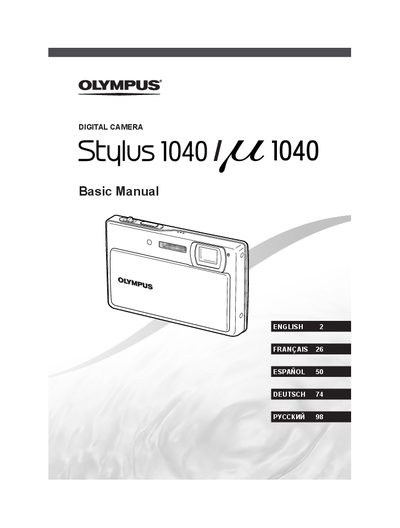
This document is a basic user manual for the Olympus Stulus 1040 digital camera. It provides step-by-step instructions on preparing the device, including checking box contents, attaching the strap, charging the battery, and loading xD-Picture Cards or microSD attachments.
The guide details how to operate the camera's shooting functions, such as using P mode for aperture and shutter speed control, SCN modes for specific scenes, and movie recording. It also covers image playback, erasing photos, adjusting settings like date/time and language, and utilizing features like digital image stabilization and flash exposure adjustment.
The manual recommends charging the partially charged battery until the indicator goes off, which takes approximately 5 hours.
Yes, the camera allows users to take pictures using its internal memory even when no card is inserted.
To turn on, slide the lens barrier down; to turn off, slide the lens barrier up.