
This document is a quick start guide for Olympus digital cameras, including instructions for use and warranty terms. It also provides steps for installing the battery and xD-Picture Card.
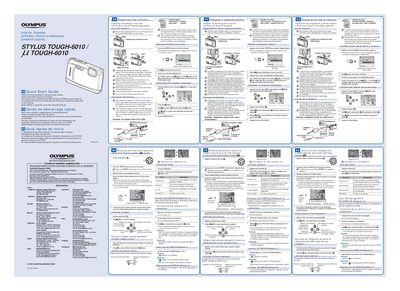
This document is a Quick Start Guide for the Olympus STYLUS TOUGH-6010 digital camera. It provides instructions on preparing the camera by loading the battery and xD-Picture Card, setting the date and time, and changing the display language.
The guide details how to charge the included battery using the AC adapter (F-1AC), noting that charging takes approximately 2.5 hours for a full charge. It also explains the procedure for inserting the card correctly and turning on the camera.
It takes approximately 2.5 hours to charge the battery until the indicator turns blue.
The connections may be incorrect, or the battery, camera, and/or AC adapter may be damaged.
No, you must ensure that operations such as shooting or viewing images are not being used while the AC adapter is connected.