
This document provides instructions for using the Olympus digital cameras Stylus-7020/μ-7020 and Stylus-7010/μ-7010. It is recommended to take test shots before taking important photographs to familiarize yourself with the camera. The document explains the different parts of the camera, as well as methods for shooting, playback, and erasing images. It also covers the use of various shooting modes and functions. Additionally, it provides information on printing photos and using the OLYMPUS Master 2 software.
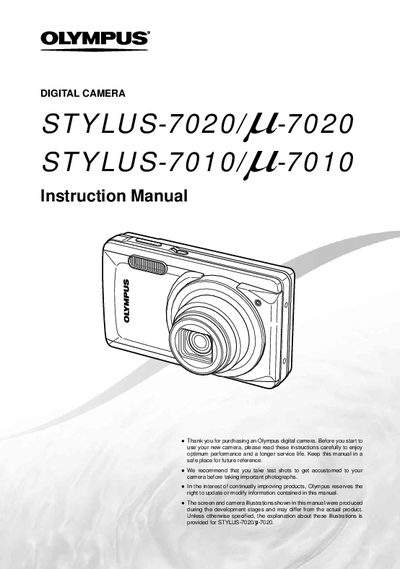
This document is the official user instruction manual for the Olympus STYLUS-7020 and STYLUS-7010 digital cameras. It provides comprehensive guidance on preparing the camera, adjusting settings via menus or buttons, and operating various functions such as shooting still images and movies.
The guide details how to use the mode dial, access menu options for image quality and setup, and utilize specific features like Digital Zoom, Image Stabilizer, and Shadow Adjustment Technology. It also covers playback operations including slideshow, editing, resizing, and printing via PictBridge or DPOF.
Olympus software updates can be obtained at the Olympus America website.