
This is a user manual for Olympus digital camera, which provides detailed instructions on how to use the camera and its functions
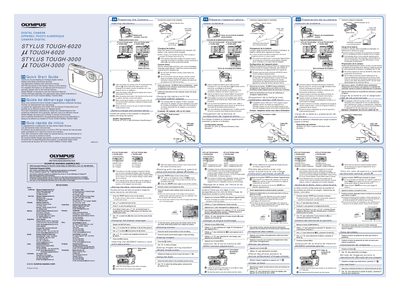
This document is a multilingual Quick Start Guide (English, French, Spanish) for the Olympus STYLUS TOUGH-6020 and STYLUS TOUGH-3000 digital cameras. It provides essential instructions for preparing the camera before first use.
The guide details how to insert and remove the battery safely, noting that damaged batteries may overheat or explode. It explains the procedure for charging the battery by connecting the camera to a computer via USB or using the included AC adapter (F-2AC). Additionally, it outlines the initial setup steps required when connecting the camera to a PC, including running the 'OLYMPUS Camera Initialization' software and setting date/time.
Adobe Reader is required to view the Instruction Manual.
Insert the battery by putting in the ¥ marked side first, with the @ marks toward the battery lock knob.
When charging is complete, the indicator lamp will turn off.