
Olympus Stylus-1070/L1-1070 Digital Camera Instruction Manual

This is a manual for Olympus digital camera
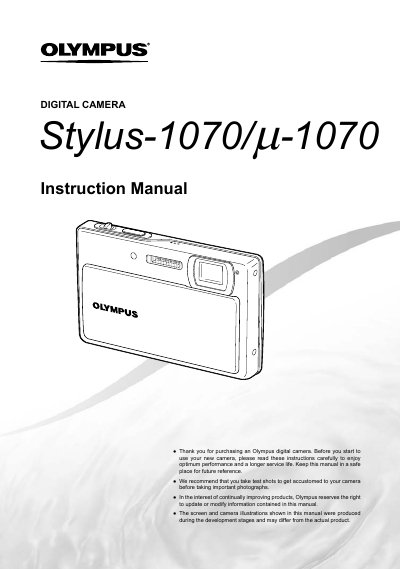

Olympus Stylus-1070/L1-1070 Digital Camera Instruction Manual - cover page
Brand
Olympus
Category
Digital cameras
Document type
User Manual
Language
English
Pages
67
File format
PDF
File size
2.9 MB
Published
08 June, 2012
Updated
01 October, 2023
MD5 checksum
B4C2E7D9376040E2759A211818607793

About this manual

This document is the official user guide for the Olympus Stylus-1070 and L1-1070 digital cameras. It provides comprehensive instructions on preparing the camera, including checking box contents and installing batteries. The manual details how to operate various shooting modes such as P, A, iAuto, SCN, and B modes, as well as specific functions like Shadow Adjustment Technology and Panorama mode.

What's inside

  • Names of Parts
  • Three Types of Setting Operations
  • Using the Direct Buttons
  • Preparing the Camera
  • Shooting, Playback, and Erasing
  • Menus for Shooting Functions
  • Menus for Playback, Editing, and Printing Functions
  • Using Shooting Modes
  • Printing (PictBridge)
  • Usage Tips

Frequently asked questions

What is the purpose of taking test shots before important photographs?

You should take test shots to get accustomed to your camera.

Where can I find instructions on how to print images directly from the camera?

Instructions for direct printing using PictBridge are located on page 41.

How do I access the menu guide explanation for a selected option?

Press and hold the DISP./@ button to display an explanation of the selected option.

Download PDF (2.9 MB)

More Olympus Manuals


View all Olympus manuals →