
This is an Olympus digital camera user manual that introduces how to use the camera's various functions, including shooting, playback, and printing.
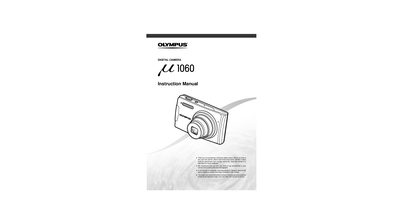
This document serves as the official user guide for the Olympus Stylus 1060 digital camera. It provides comprehensive instructions on preparing the device, including battery installation and strap attachment. The manual details how to operate the camera through various shooting modes such as Still Picture, Movie, Panorama, and SCN (Scene) modes.
| Product Type | Digital Camera |
|---|---|
| Manufacturer | OLYMPUS IMAGING AMERICA INC. |
PictBridge allows for direct printing of images from the camera to a compatible printer without a computer.