
This is a manual for the Olympus STYLUS TOUGH-6000 / µ TOUGH-6000 digital camera, which mainly introduces the names of the various parts of the camera, how to use the camera to take pictures, view photos, and print photos
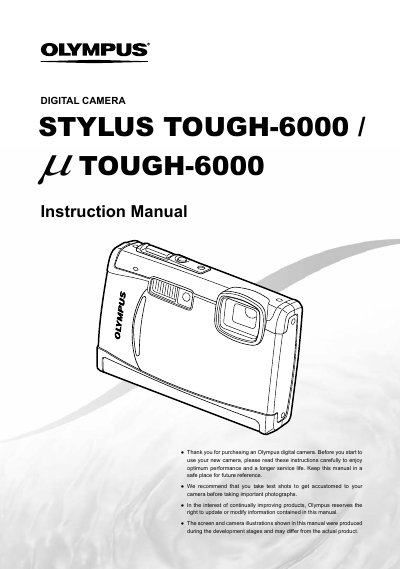
This document is the official user guide for the Olympus STYLUS TOUGH-6000 (also known as LL TOUGH-6000) digital camera. It provides comprehensive instructions on preparing the camera, including checking box contents and setting up accessories like the battery charger and USB cable. The manual details how to operate various controls such as the mode dial, direct buttons for zoom and flash, and the FUNC menu.
The box contains a digital camera, USB cable, AV cable, LI-S0B Lithium ion Battery, OLYMPUS Master 2 CD-ROM, and a LI-S0C Battery Charger.
Information on using OLYMPUS Master 2 is located in the section titled Using OLYMPUS Master 2.