
This manual explains the basic operations for using the CASIO DATA PROJECTOR XJ-S31/XJ-S36 XJ-S41/XJ-S46.
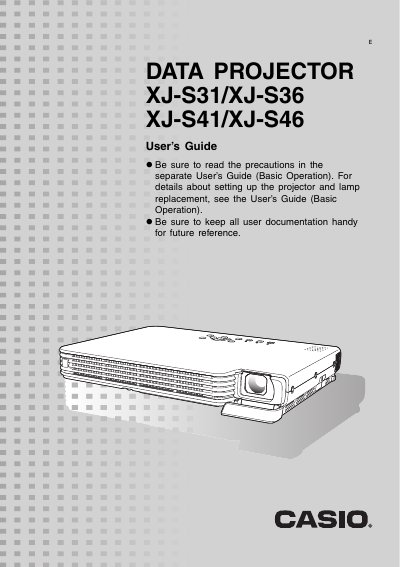
This manual provides instructions for operating the Casio Data Projector models XJ-S31, XJ-S36, XJ-S41, and XJ-S46. It details how to perform various functions during projection, such as adjusting image brightness, selecting color modes, zooming images, freezing frames, and displaying pointers. The guide also explains how to momentarily cut off the input source or switch aspect ratios between 4:3 and 16:9.
The projector outputs images using XGA (1024 pixels × 768 pixels) video resolution.
Turning on the Eco Mode reduces lamp brightness to save power and operates the cooling fan at a slower speed for quieter operation.
The original image is compressed so it conforms to the projection resolution of 1024 × 768 (aspect ratio: 4:3).