
This document provides an operation guide for a clock, including instructions on setting the time, date, temperature, and using the buttons.
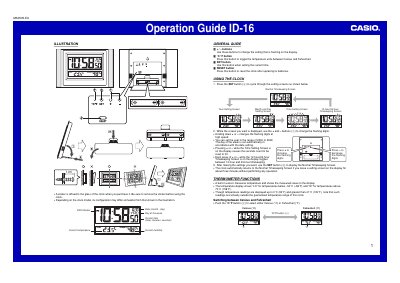
The Casio ID-16 is a digital clock featuring built-in sensors for temperature and humidity. The device displays current time, date, indoor temperature, and relative humidity on its LCD screen.
Users can adjust settings such as the year (2000–2039), 12/24-hour format, and unit of measurement using the +, -, and SET buttons. The thermometer function measures temperatures between -50°C and 70°C, while the hygrometer tracks humidity levels from 10% to 90%. Battery replacement instructions are also provided.
The clock guarantees readings between -50°C (-58°F) and 70°C (158°F).
The display shows values up to 0°C (22°F) or greater than 41°C (105°F), but these are not guaranteed.
It displays "LO" for humidity below 10% and "HI" for humidity above 90%.