
This document is an instruction manual for the W-CLO.G 1 MA0309-EA alarm clock
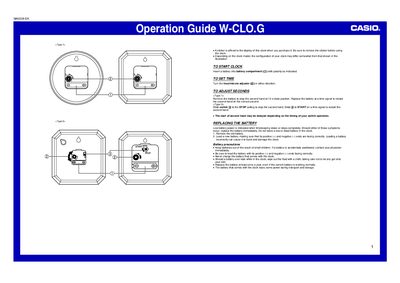
The document is a one-page operation guide for the Casio W-CLO.G clock. It includes important initial setup steps, such as removing the protective sticker from the display before use.
The guide details how to start the clock by inserting a battery with correct polarity and explains two methods for adjusting seconds: either by replacing the battery or using a slide switch on specific models.
You can remove the battery to stop the second hand at 12 o'clock and restart it on a time signal, or slide the switch to STOP and then START.
Replace the battery immediately if timekeeping slows or stops, and you should also replace it at least once a year.