
This is a user manual that introduces the product characteristics and usage methods of W-CLO.F 1 clock
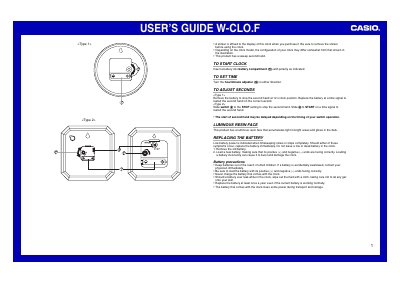
The document serves as a user's guide for the Casio IQ-56 clock. It explains how to start the clock by inserting a battery with correct polarity and provides instructions on setting the hour and minute adjusters.
It also details methods for adjusting the sweep second hand, either by removing and replacing the battery or using a slide switch depending on the model type. The guide includes safety precautions regarding battery replacement, such as keeping batteries away from children and not charging them.
You must remove the sticker that is affixed to the display when you purchase the clock.
Slide the switch to STOP to halt the second hand, then slide it to START on a time signal.
The battery should be replaced at least once a year, regardless of its current condition.