
Casio ID-13IT Digital Thermometer Hygrometer User's Guide

This user guide provides instruction for setting the clock, temperature and humidity of ID-13 alarm clock
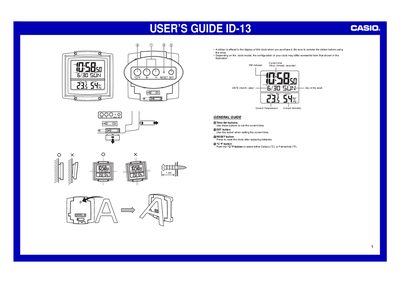

Casio ID-13IT Digital Thermometer Hygrometer User's Guide - cover page
Brand
Casio
Category
Other
Document type
User Manual
Language
English
Pages
2
File format
PDF
File size
161 KB
Published
06 June, 2012
Updated
30 September, 2023
MD5 checksum
CFBA65E909626445F79B078D28C4CFE6

About this manual

The Casio ID-13IT is a digital device featuring built-in sensors for temperature and humidity measurement. The manual provides instructions on removing protective stickers, setting the current time including year (2000-2039), month, day, and selecting between 12-hour or 24-hour formats.

What's inside

  • General Guide
  • Setting the Time
  • Temperature Functions
  • Humidity Function
  • Battery Replacement

Frequently asked questions

What is the guaranteed temperature range for this clock?

The guaranteed temperature range is between -50°C and 70°C, although readings up to 41°C are displayed.

How do I switch between Celsius and Fahrenheit?

Push the °G/°F button to select either Celsius (°C) or Fahrenheit (°F).

What happens if I leave a setting screen on for too long?

The clock automatically returns to the Normal Timekeeping Screen after about three minutes without operation.

Download PDF (161 KB)

More Casio Manuals


View all Casio manuals →