
IQ-18W is a clock in the IQ series. This clock has a detachable towel ring that can be hung on the clock.
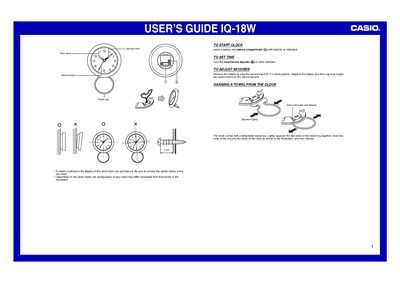
The Casio IQ-18W is a wall-mounted clock featuring an hour hand, minute hand, second hand, and a detachable towel ring. The device includes a battery compartment for power operation.
To operate the clock, insert a battery with correct polarity. To set the time, turn the hour/minute adjuster in either direction. If you need to synchronize the seconds, remove the battery to stop the second hand at 12 o'clock, then replace it.
Turn the hour/minute adjuster in either direction.
Remove the battery to stop the second hand at 12 o'clock, then replace it.
Lightly squeeze the two sides of the towel ring together, insert the ends into the holes of the clock, and then release.