
This document introduces the use of the PQ-70 electronic alarm clock, including setting the time, date, alarm, 12/24 hour system and other functions.
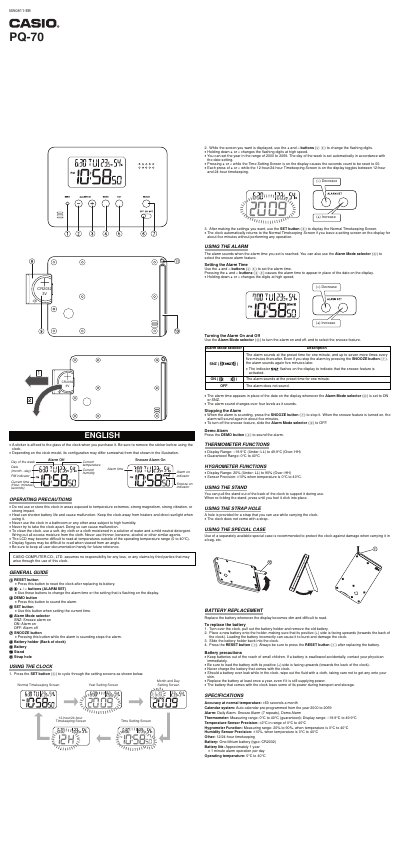
The Casio PQ-70 is a digital clock featuring built-in thermometer and hygrometer functions. It supports 12-hour and 24-hour timekeeping with an auto-calendar system pre-programmed from the year 2000 to 2069. The device includes daily, snooze, and demo alarm modes.
| Accuracy at normal temperature | 460 seconds a month |
|---|---|
| Calendar system range | 2000 to 2069 |
| Thermometer measuring range (guaranteed) | 0°C to 40°C |
| Hygrometer measuring range | 20% to 90% |
| Battery type | CR2032 lithium battery |
The guaranteed operating temperature range is 0°C to 40°C.
When activated, the alarm sounds again in about five minutes after being stopped by pressing the SNOOZE button.
The clock automatically returns to the Normal Timekeeping Screen after about five minutes without operation.