
This document is the operation guide for the PDM-30B pedometer, which introduces the operation method, function features and other aspects of the pedometer
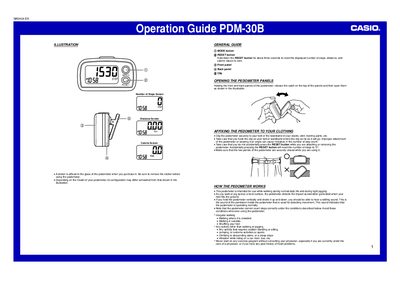
This document is an operation guide for the Casio PDM-30B pedometer. It explains how to attach the device to clothing, set stride length and current weight, and configure the time. The guide also details how the pedometer detects steps via impact acceleration on level surfaces.
| Stride length range | 30cm to 180cm |
|---|---|
| Weight setting range | 30 kg to 120kg |
Hold down the RESET button for about three seconds to reset steps, distance, and calorie values to zero.
The device is intended for use while walking during normal daily life and during light jogging.
Accidentally pressing the RESET button will reset the number of steps to zero.
Press the MODE button twice while the number of steps screen is displayed, then hold down the MODE button for about three seconds until the weight setting screen appears.