
This is an instruction manual for a DQ-950 alarm clock. It mainly introduces the function settings and usage methods of the alarm clock.
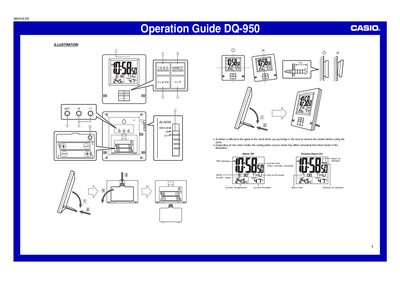
The Casio DQ-950 is a digital clock featuring built-in temperature and humidity sensors with maximum/minimum memory. The device allows users to set alarms with snooze functionality and toggle between Celsius and Fahrenheit or Celsius and Fahrenheit for temperature readings.
To operate the clock, use the SET button to cycle through screens and the UP/DOWN buttons to adjust settings. Users can clear high/low temperature and humidity memories by pressing the MAX/MIN buttons followed by CLEAR. Battery replacement requires removing old cells, inserting new ones correctly, and pressing the RESET button.
Press the G/F button to toggle the temperature units between Celsius (°C) and Fahrenheit (°F).
Press the MAX/MIN TEMP. button to display current values, then press the CLEAR button within about five seconds.
Press the RESET button to reset the clock.