
Casio DQS-30 Digital Clock User's Guide

This user guide describes the functions and operations of the DQS-30 clock.
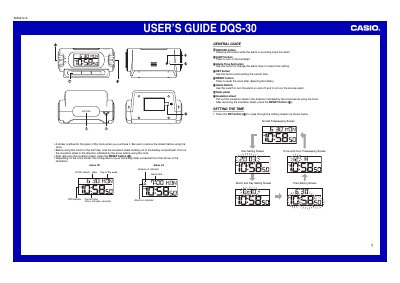

Casio DQS-30 Digital Clock User's Guide - cover page
Brand
Casio
Document type
User Manual
Language
English
Pages
2
File format
PDF
File size
114 KB
Published
06 June, 2012
Updated
30 September, 2023
MD5 checksum
C1039ECDC44A43DCD8DDD4C6A60920EB

About this manual

The document serves as a user's guide for the Casio DQS-30 digital clock. It details the functions of various buttons including SNOOZE, LIGHT, Alarm Time Set, SET, RESET, and the Alarm Switch. The guide explains how to remove the insulation sheet before first use.

Frequently asked questions

What happens if I leave a setting screen on for three minutes?

The clock automatically returns to the Normal Timekeeping Screen.

How do I turn off the snooze feature?

Slide the Alarm Switch to OFF.

Download PDF (114 KB)

More Casio Manuals


View all Casio manuals →