
This is the user manual for the CASIO QV-R3/QV-R4 digital camera
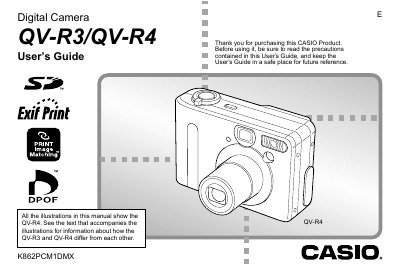
This manual provides instructions for using the Casio QV-R3 and QV-R4 digital cameras. It details how to unpack the camera, attach accessories like the strap and battery, and navigate the on-screen menus. The guide explains basic image recording settings, including optical and digital zoom, flash usage, and various scene modes such as Best Shot and Night Scene.
| Effective Pixels (QV-R3) | 3.20 million pixels |
|---|---|
| Effective Pixels (QV-R4) | 4.00 million pixels |
| Monitor Screen Size | 1.6-inch TFT color LCD |
| Optical Zoom | 3X |
| Digital Zoom | 3.2X |
| Built-in Flash Memory (QV-R4) | 11MB |
The main difference is the effective pixel count, with the QV-R4 having 4.00 million pixels compared to the QV-R3's 3.20 million.
Yes, the camera includes built-in flash memory that allows recording without using an external card.