
This document is the user manual of DQS-20 alarm clock. It mainly introduces the basic functions and usage methods of the alarm clock.
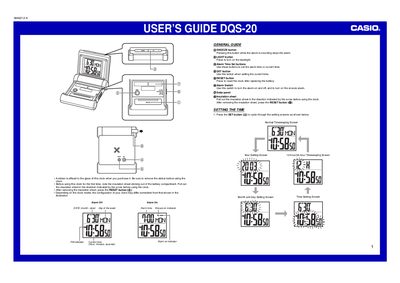
The document is a user's guide for the Casio DQS-20 digital clock. It provides instructions on initial setup, such as removing the insulation sheet and resetting the clock after battery replacement. The guide details how to set the current time, year, date, day of the week, and choose between 12-hour or 24-hour formats.
Press the SNOOZE button to stop the alarm.
The clock automatically returns to the Normal Timekeeping Screen.
Slide the Alarm Switch to OFF.