
This document is a user's guide for PQ-30/31 DQ-543/583, which explains how to set the clock time and alarm time, and how to use the alarm function.
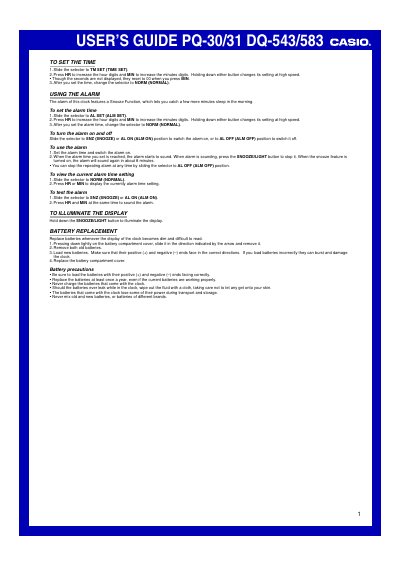
This document is a User's Guide for Casio digital clocks, specifically covering models PQ-30/31 and DQ-543/583. It provides instructions on setting the time and alarm times using the selector switch and HR/MIN buttons. The guide details how to activate or deactivate the alarm, utilize the snooze function which repeats the alarm in about 8 minutes, and test the alarm functionality.
Slide the selector to TM SET (TIME SET), press HR or MIN to increase digits, then change the selector back to NORM.
When the alarm is sounding, press the SNOOZE/LIGHT button to stop it; if snooze is on, the alarm will sound again in about 8 minutes.
Slide off the battery compartment cover, remove old batteries, load new ones with correct polarity, and replace the cover.