
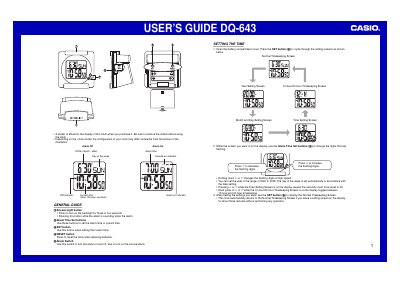
The document serves as a user's guide for the Casio DQ-643 digital clock. It explains how to remove the protective sticker from the display before first use and notes that physical button layouts may vary slightly by model.
Key operational instructions cover setting the current time (including year, day of the week, hour, minutes, seconds, and 12/24-hour format) using the SET and Alarm Time Set buttons. The guide also details how to configure and manage alarms, including the snooze function which repeats the alarm every five minutes if not stopped.
Press the Snooze/Light button to stop the alarm. If the snooze feature is active, the alarm will sound again in about five minutes.
The clock automatically returns to the Normal Timekeeping Screen after about three minutes without any operation.
No, you should never mix old and new batteries or batteries of different brands.