
This document provides the operation guide for DQ-745/PQ-65 1 MA0505-EA clock, including functions such as setting time, alarm, temperature units, etc.
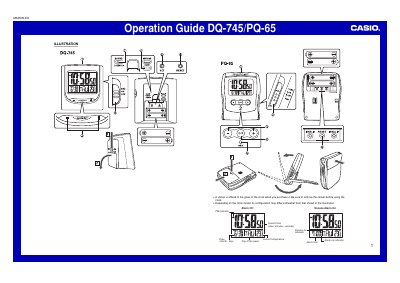
This document is an operation guide for the Casio DQ-745/PQ-65 digital clock. It provides instructions on setting the current time in 12-hour or 24-hour formats and configuring the alarm system with snooze options.
The guide also details how to use the built-in thermometer function, which measures temperature in Celsius or Fahrenheit, and explains the procedure for replacing batteries safely.
Press the SNOOZE/LIGHT button to stop the alarm.
The clock automatically returns to the Normal Timekeeping Screen after about three minutes.
Press the °C/°F button to toggle between units.