
DQ-746 is an alarm clock that can set alarm time, temperature unit, date, etc.
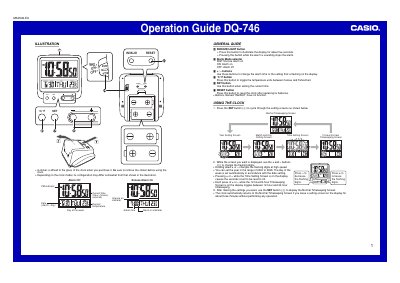
The document provides instructions for operating the Casio DQ-746 digital clock. It details how to set the current time, including year, month, day, hour, minute, and second settings, as well as switching between 12-hour and 24-hour formats.
Key features described include an alarm system with a snooze function, a built-in light for display illumination, and a thermometer sensor that measures temperature in Celsius or Fahrenheit. The guide also includes specific instructions for battery replacement and safety precautions.
Press the SNOOZE/LIGHT button to stop the alarm.
It displays "LO" for below -50°C and "HI" for above 70°C.