
DQ-542/542B is an electronic alarm clock with 12/24 hour time display, alarm setting, date display, backlight and other functions.
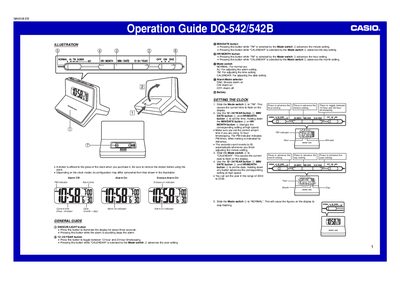
The document provides instructions on setting the current time and date using specific buttons and a mode switch. It details how to configure 12-hour or 24-hour formats and adjust year, month, day, hour, and minute settings.
Additionally, the guide explains alarm configuration, including snooze features and turning the alarm on or off via a selector. It also covers using the display light, testing the alarm function, and procedures for replacing the battery safely.
You can set the year in the range of 2004 to 2029.
You should replace the battery at least once a year.