
This is a user guide for CASIO EXILIM digital camera
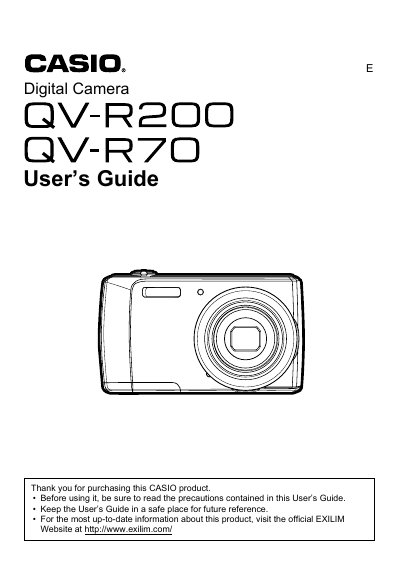
This document is a comprehensive User's Guide for the CASIO EXILIM digital camera. It provides detailed instructions on unpacking accessories, initial settings, and operating the device in various modes such as still image recording and video capture. The guide explains how to use the LCD monitor, navigation controls, zoom dial, and flash functions.
| Effective Pixels | 14.10 Megapixels |
|---|---|
| Imaging Element Size | 1/2.3-inch square pixel CCD |
| Lens/Focal Distance | f= 4.7 to 23.5 mm (equivalent to 26 to 130 mm) |
| Zoom | 5x optical zoom, 5x digital zoom |
| Monitor Screen | 2.7-inch TFT color LCD 230,400 dots |
| Recording Media | Built-in Memory or SD/SDHC/SDXC cards up to 64GB |
| Battery | Rechargeable lithium ion battery (NP-80) |
The camera can take approximately 190 shots on a single charge under normal temperature conditions.
The camera can record approximately 1 hour and 20 minutes of continuous video.
The camera supports SD, SDHC (up to 32GB), and SDXC (up to 64GB) cards.