
This is the user manual for a Casio digital camera, which introduces the camera's usage methods and precautions
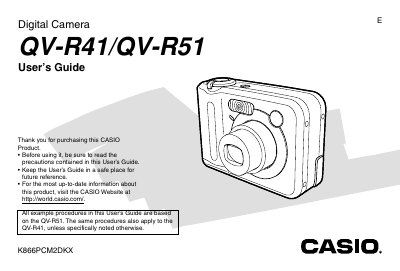
This manual serves as a comprehensive user's guide for the Casio QV-R41 and QV-R51 digital cameras. It details procedures for basic image recording, including aiming, focusing, and using zoom functions. The text also explains how to configure camera settings such as white balance, exposure compensation, and file quality.
| Power Consumption | DC 3V Approximately 3.8 W |
|---|---|
| Dimensions (Camera) | 68.3 x 50.4 x 33.4 mm |
| Weight (Camera) | Approximately 168 g |
| Battery Type | Rechargeable nickel-metal hydride batteries (HR-3U) |
| Operating Temperature Range | -0°C to 40°C |
The guide covers the QV-R51 and QV-R41, with procedures based on the QV-R51 unless noted otherwise.
The camera requires only special HR-3U rechargeable nickel-metal hydride batteries.