
This manual describes the features and operation of the CASIO QV-R61 digital camera.
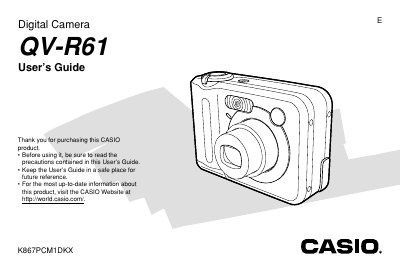
The Casio QV-R61 is a compact digital camera powered by rechargeable nickel-metal hydride batteries. This User's Guide covers essential operations such as turning the camera on and off, configuring display language and clock settings, and recording still images or movies in various modes including Auto Focus, Macro, and High-speed Continuous Shutter.
The guide also details how to manage files within the built-in memory or a Memory Card, protect specific images, and transfer data to a computer. It includes sections on using PictBridge for direct printing, utilizing the Album feature with bundled software, and troubleshooting common display messages.
| Power Consumption | Approximately 3.7 W |
|---|---|
| Dimensions (Camera) | 88.3 x 60.4 x 33.4 mm |
| Weight (Camera) | Approximately 168 g |
| Battery Type | Rechargeable nickel-metal hydride batteries (HR-3U) |
| Rated Capacitance | 2100 mAh |
The camera uses only special rechargeable nickel-metal hydride batteries (HR-3U).
No, it does not. The date and time settings are cleared whenever power is totally cut off.
The camera operates between 0°C to 40°C (32°F to 104°F).