
This manual describes the basic operations of the CASIO QV-3500EX digital camera.
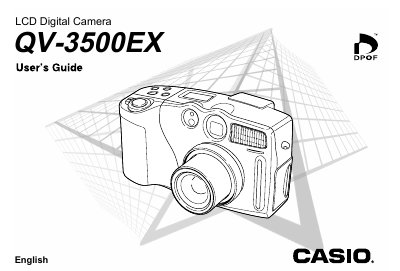
This manual provides instructions for using the Casio QV-3500EX digital camera. It covers essential tasks such as loading batteries and memory cards, turning the camera on and off, and adjusting settings like date/time and white balance. The guide details how to record still images and movies, use various exposure modes (Program AE, Aperture Priority, Shutter Speed Priority), and utilize features like optical zoom, digital zoom, and flash.
| Battery Type | 4 AA-size batteries |
|---|
Align the POWER/Function Switch with REC or PLAY, press MENU, select 'Date Style', adjust digits using the keys, and press SET/DISP.
No. Once an image is stamped with the date and time, it cannot be deleted.