
This document is the user manual of CASIO Digital Camera QV-2300UX / QV-2800UX. It introduces the usage methods and features of the camera.
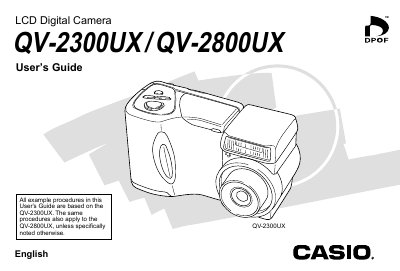
This document is the official User's Guide for the Casio QV-2300UX and QV-2800UX LCD Digital Cameras. It provides instructions on unpacking the camera, loading batteries and memory cards, turning the device on and off, and setting up basic preferences like date and time.
The guide details how to record still images and movies using various modes such as Auto Focus, Macro, Night Scene, and Panorama. It also explains playback functions including slide shows, image enlargement, and deletion. Additionally, it covers connecting the camera to external equipment like televisions and computers via USB or video cables.
| Monitor Screen | 1.8" TFT, low-glare color HAST LCD (122,100 pixels, 555 x 220) |
|---|---|
| Viewfinder | LCD Monitor or optical viewfinder |
| Clock | Built-in quartz digital timepiece for time and date recording and storage with image data; auto calendar up to 2049 |
| Power Supply (QV-2800UX) | Four AA-size alkaline or lithium batteries; Four AA-size nickel-metal hydride rechargeable batteries |
| Dimensions (QV-2300UX) | 118(W) x 67(H) x 54(D) mm |
| Dimensions (QV-2800UX) | 121 (W) x 80.5(H) x 66(D) mm |
| Weight (QV-2300UX) | Approximately 245g |
| Weight (QV-2800UX) | Approximately 295g |
The focusing range is from 40cm to infinity at 1X zoom.
An 8MB CompactFlash memory card is included in the standard accessories.