
This document is the user manual of QV-5000SX digital camera, which introduces how to use the camera, including how to load batteries, how to take pictures, how to play back photos
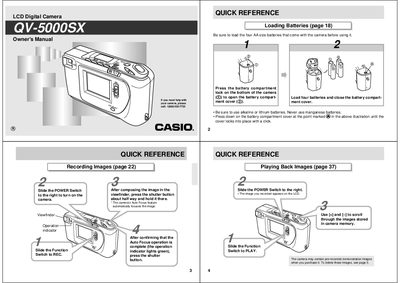
This document is the owner's manual for the Casio QV-5000SX LCD Digital Camera. It provides instructions on loading batteries, using the power switch, and operating the viewfinder and LCD monitor screen to record images and movies. The guide details features such as digital zoom, macro mode, panorama recording, and self-timer functions.
| Operating Temperature Range | 0°C to 40°C (32°F to 104°F) |
|---|---|
| Backlight Service Life | approximately six years |
Be sure to use alkaline or lithium batteries. Never use manganese batteries.
Slide the Function Switch to PLAY, select DELETE using [+] and [-], then press the shutter button.
When using the flash, the camera should be at least one meter (409) from the eyes of the subject.