
CASIO QV-4000 LCD Digital Camera User's Guide

This document is a user's guide for the CASIO Digital Camera QV-4000, providing information on the various functions and features of the camera.
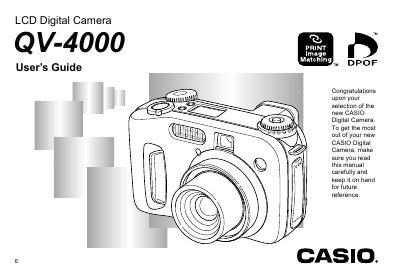

CASIO QV-4000 LCD Digital Camera User's Guide - cover page
Brand
Casio
Category
Digital cameras
Document type
User Manual
Language
English
Pages
53
File format
PDF
File size
1.2 MB
Published
06 June, 2012
Updated
29 September, 2023
Model
QV-4000
MD5 checksum
7EF4BDCF0A366A98A218C5908178FECB

About this manual

The CASIO QV-4000 is an LCD Digital Camera that features automatic orientation detection, various exposure modes including Full Auto and Manual Exposure, and options for using flash and self-timers. The manual details how to load batteries, insert memory cards, and adjust settings via the menu screens.

What's inside

  • Introduction
  • Getting Ready
  • Recording an Image
  • Viewing (Playing Back) an Image
  • Deleting an Image
  • Managing Images
  • Other Settings
  • Connecting to External Equipment
  • Reference

Frequently asked questions

What are the maximum angles for holding the camera to ensure the orientation sensor works correctly?

You should not allow the camera to be more than about 20 degrees off of vertical or point it more than about 60 degrees up or down.

Does the camera's orientation sensor work with movie images?

No, the camera orientation sensor does not work with movie images.

Download PDF (1.2 MB)

More Casio Manuals


View all Casio manuals →