
Casio EX-Z21 Digital Camera User's Guide

This is a user manual for a Casio digital camera
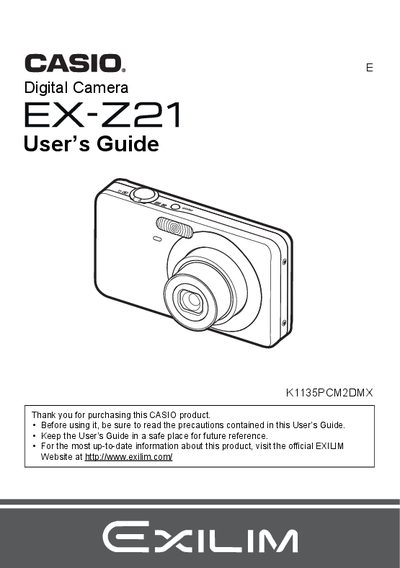

Casio EX-Z21 Digital Camera User's Guide - cover page
Brand
Casio
Category
Digital cameras
Document type
User Manual
Language
English
Pages
163
File format
PDF
File size
4.4 MB
Published
06 June, 2012
Updated
30 September, 2023
MD5 checksum
8D0CDDDE2C6DF2D729C4DA677A4B0E1C

About this manual

This manual provides instructions for using the CASIO EX-Z21 digital camera. It covers initial setup steps such as charging the NP-60 battery, loading memory cards, and configuring display settings. The guide details snapshot and movie recording features, including face recognition, auto focus modes, and various scene-specific shooting tools like BEST SHOT.

What's inside

  • Unpacking
  • Quick Start Basics
  • Snapshot Shooting
  • Recording Movie Images
  • Using BEST SHOT
  • Advanced Settings
  • Viewing Snapshots and Movies
  • Other Playback Functions
  • Printing
  • Specifications

Specifications

Battery TypeRechargeable lithium ion battery (NP-60)
Charger UnitBC-60L

Frequently asked questions

What is the pixel yield of the LCD panel?

The liquid crystal panel provides a pixel yield in excess of 99.99%.

What happens if the camera detects a smile?

The camera can record when a subject is smiling using the Detect Smile function.

Download PDF (4.4 MB)

More Casio Manuals


View all Casio manuals →