
This is the user's guide for the CASIO EX-Z60/EX-Z60DX digital camera
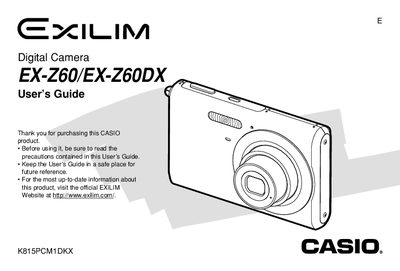
This document is the official User's Guide for the Casio EX-Z60 and EX-Z60DX digital cameras. It provides comprehensive instructions on unpacking the camera, recording still images and movies, using various shooting modes like Best Shot and Business Shot, and configuring display settings such as language and date/time.
The guide also details how to manage files, protect data, use memory cards, print images via PictBridge or USB Direct-Print, and transfer photos to Windows or Macintosh computers. It includes troubleshooting information, a menu reference, and technical specifications for the camera and its accessories.
| Dimensions (Camera) | 111(W) x 70(H) x 57(D) mm |
|---|---|
| AC Adaptor Input | 100 to 240V AC, 50/60Hz |
The Special AC Adaptor (Inlet Type) requires a power input of 100 to 240V AC, 50/60Hz, 83mA.
The Special AC Adaptor (Plug-in Type) provides an output of +5.3V DC, 650mA.
The Special AC Adaptor (Plug-in Type) measures 50(W) X 18(H) < 70{D) mm.