
This is a digital camera manual that contains information on how to use the camera and precautions.
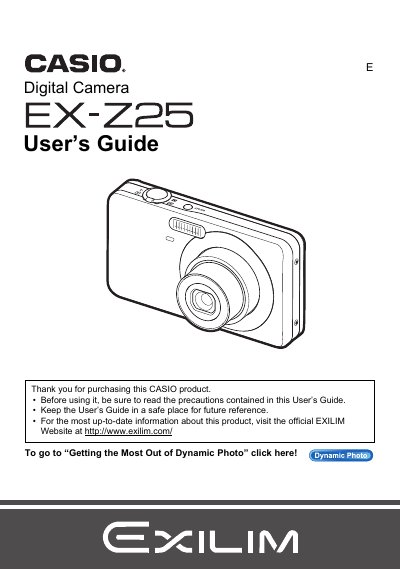
This manual provides instructions for using the Casio EX-Z25 digital camera. It begins with unpacking checks and initial battery charging procedures before guiding users through basic settings configuration. The guide details how to turn the camera on and off, load memory cards, and perform test shots to ensure proper recording.
The package includes a rechargeable lithium ion battery (NP-60), a charger unit (BC-60L), a power cord, a USB cable, an AV cable, a CD-ROM, and a Basic Reference.
Some very small number of pixels may not light or remain lit at all times due to liquid crystal panel characteristics, which does not indicate a malfunction.
You should shoot a test shot to ensure that the camera is recording correctly.