
This document is a user guide for CASIO digital cameras. It includes information about product precautions, unpacking steps, basic operations, and feature introductions.
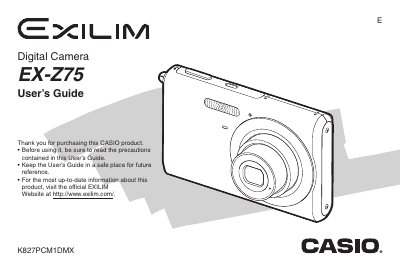
The document serves as a comprehensive user manual for the Casio EX-275 digital camera. It covers essential topics including unpacking the device, charging the NP-20 battery, and configuring initial display settings such as language and date/time.
Detailed instructions are provided for shooting snapshots and movies, utilizing various modes like Easy Mode and Best Shot, and applying filter effects. The guide also explains how to view, edit (resize, crop, rotate), and manage files stored on the camera or memory card.
| Rated Capacitance (Battery) | 700 mAh |
|---|---|
| Weight (Camera) | Approximately 122 g |
| Dimensions (Camera) | 95.4 (W) x 60.6 (H) x 19.6 (D) mm |
| Charging Temperature (Battery Charger) | 5°C to 35°C |
The camera requires a rechargeable lithium ion battery (NP-20).
It takes approximately 90 minutes to achieve a full charge.