
This document is a user's guide for a CASIO digital camera, including product precautions, instructions, and a list of accessories.
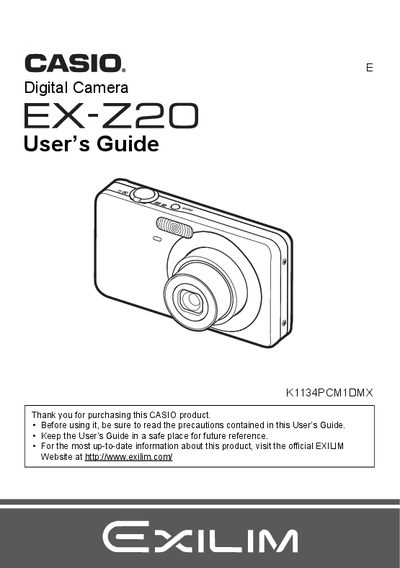
The Casio EX-Z20 is a digital camera designed for capturing snapshots and recording movies. This manual guides users through unpacking the device, charging the NP-60 battery, and preparing the memory card (BC-60L charger included). It details how to turn the camera on and off, take photos with various settings like Auto Focus, Face Recognition, and Continuous Shutter, and adjust image quality parameters such as ISO Sensitivity and White Balance.
The guide also explains advanced features including BEST SHOT setups, movie recording with audio, and playback options like slideshow creation and DPOF printing. Additionally, it covers connecting the camera to a computer via USB for transferring images and movies, as well as configuring system settings like language, date/time, and sleep states.
The package includes a rechargeable lithium ion battery (NP-60), a charger unit (BC-60L), a power cord, a strap, a USB cable, an AV cable, a CD-ROM with Basic Reference software, and this User's Guide.
This is a normal characteristic of the liquid crystal panel and does not indicate a malfunction, as the pixel yield exceeds 99.9%.
You must shoot a test shot to ensure that the camera is recording correctly.