
This is a user manual for CASIO EX-Z65 digital camera, which includes instructions on unpacking, using, taking photos, viewing photos and movies.
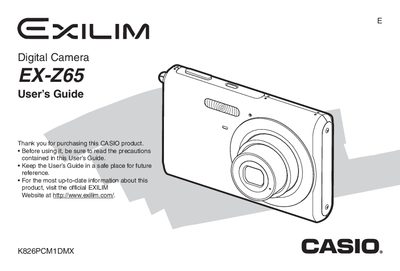
The Casio EX-Z65 is a compact digital camera designed for capturing snapshots and movies. This User's Guide covers essential topics such as unpacking the included accessories (NP-20 battery, BC-11L charger), charging procedures, and powering the device on and off. It details how to load memory cards and configure basic display settings like language and date/time.
| Dimensions (Camera) | 95.4(W) x 60.6(H) x 19.6(D) mm |
|---|---|
| Weight (Camera) | Approximately 122 g (excluding battery and accessories) |
| Battery Type | Rechargeable lithium ion battery (NP-20) |
| Rated Capacitance (Battery) | 700 mAh |
| Charging Time | Approximately 90 minutes |
The battery operates within a temperature range of 0 to 40°C (32 to 104°F).
The charger accepts an AC power supply of 100 to 240V, 80mA, at 50/60Hz.
Yes, you can view camera images on a TV using the AV Cable.