
This document is the user guide for the CASIO digital camera, providing information on precautions, unpacking, and basic operations of the product.
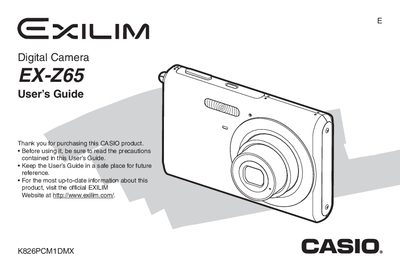
The Casio EX-Z65 is a compact digital camera designed for capturing high-quality snapshots and movies. This manual provides instructions on unpacking the device, charging the NP-20 battery, and configuring initial settings such as display language and date/time.
The guide details how to operate the camera in various modes, including snapshot shooting with zoom and flash, movie recording, and advanced features like macro focus and white balance control. It also explains how to view, edit (resize, crop, rotate), and manage image files on the camera or transfer them to a computer.
| Dimensions (Camera) | 95.4 x 60.6 x 19.6 mm |
|---|---|
| Weight (Camera) | Approximately 122 g |
| Battery Type | Rechargeable lithium ion battery (NP-20) |
| Rated Capacitance | 700 mAh |
The full charge time is approximately 90 minutes.
Yes, you can view camera images on a TV using an AV cable.