
EX-Z60/EX-Z60DX User's Guide, introduces the camera's features and usage instructions
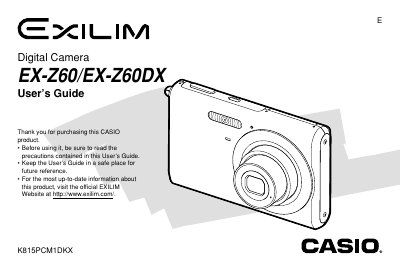
This document is the official User's Guide for the Casio EX-Z60 and EX-Z60DX digital cameras. It covers essential topics such as unpacking the device, basic image recording using Easy Mode, utilizing various shooting functions like zoom and flash, and configuring camera settings including white balance and exposure compensation.
The manual also details how to play back and edit recorded images and movies, manage files on built-in memory or memory cards, print photos directly via PictBridge, and transfer data to Windows or Macintosh computers.
| AC Adaptor Input Voltage | 100 to 240V AC, 50/60Hz |
|---|---|
| AC Adaptor Output Voltage | 5.3V DC, 650mA |
You can configure the display language settings within the camera's menu system as described in the 'Configuring Display Language and Clock Settings' section.
Yes, you can use PictBridge or USB DIRECT-PRINT to configure print settings for single or all images.